
Grimoire Standalone
Hosted image APIs
Hosted APIs generate or edit images through an online provider. This panel currently offers OpenAI, Nano Banana (Gemini), and Grok; their options come from this app build.
Hosted APIs generate or edit images through an online provider. This panel currently offers OpenAI, Nano Banana (Gemini), and Grok; their options come from this app build.
Find and open this tool
Click Hosted APIs in the left AI rail or the AI tab on the right.

Generate or edit
- Choose a provider and enter its API key.
- Select a model and the provider-specific size, quality, aspect-ratio, or resolution options.
- Write a prompt. Enable Use active Grimoire frame for image editing when desired.
- Generate and review the returned image before Send.
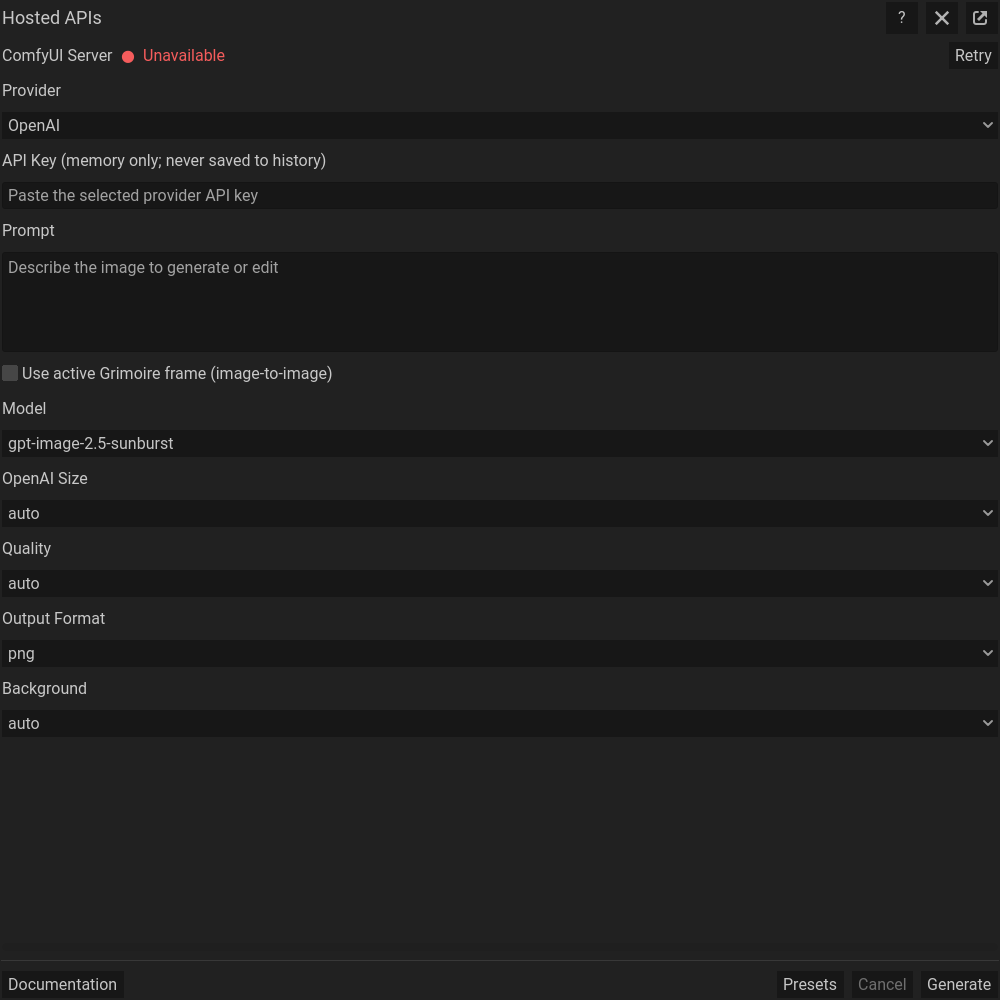 Hosted image APIs: actual floating dialog. Scroll within the dialog for more settings.
Credentials and remote processing
The key field is masked and the panel excludes the key from its persistable settings. Requests transmit prompts and, for editing, the active-frame image to the selected provider. Use sample artwork when testing. Provider accounts, quotas, billing, and retention policies are controlled by that provider; inspect your account before submitting costly batches.
Provider differences
Model names and controls listed in this build do not guarantee ongoing account access or external availability. An option accepted by one provider may not exist for another. Follow provider error messages and avoid treating all providers as the local ComfyUI pipeline.
Finish the returned image
After reviewing and importing the returned image, use Pixel art utilities to pixelate it or reduce its palette. These operations help match the result to your sprite scale and colors. Inspect edges and small details after processing.
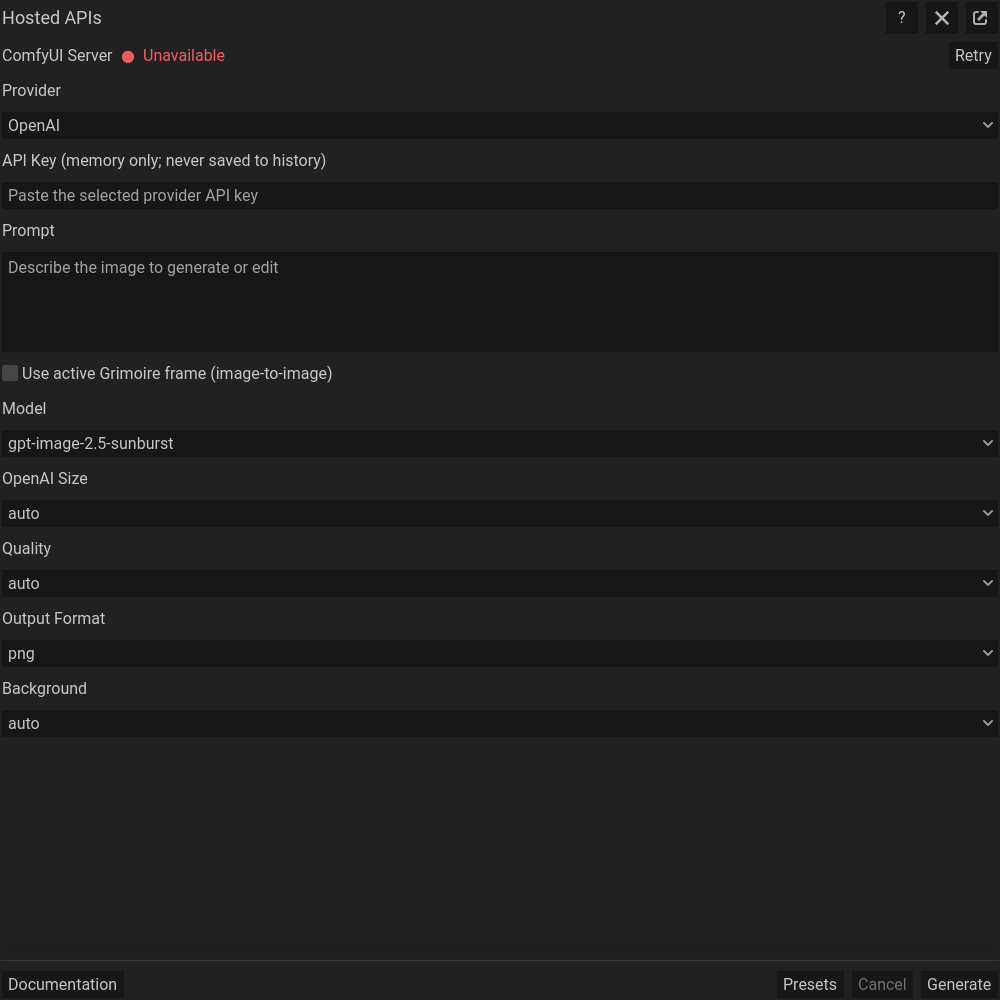 The same dialog scrolled down to its remaining settings; generation controls stay at the bottom.
Common problems
Authentication failures require checking the selected provider/key pair. Quota, rate-limit, unavailable-model, network, and moderation failures need the corresponding provider-side correction. Retrying may submit another billable request; review the returned status before retrying.